Parent–Teacher Meetings
PTM Software
A PTM is only worth it if what was agreed actually happens. Educationist lets parents book a time with each teacher, then the teacher records the meeting on one screen — who came, what was discussed, the academic and behaviour review, the parent's feedback — and every agreed action gets a person, a deadline and a status.
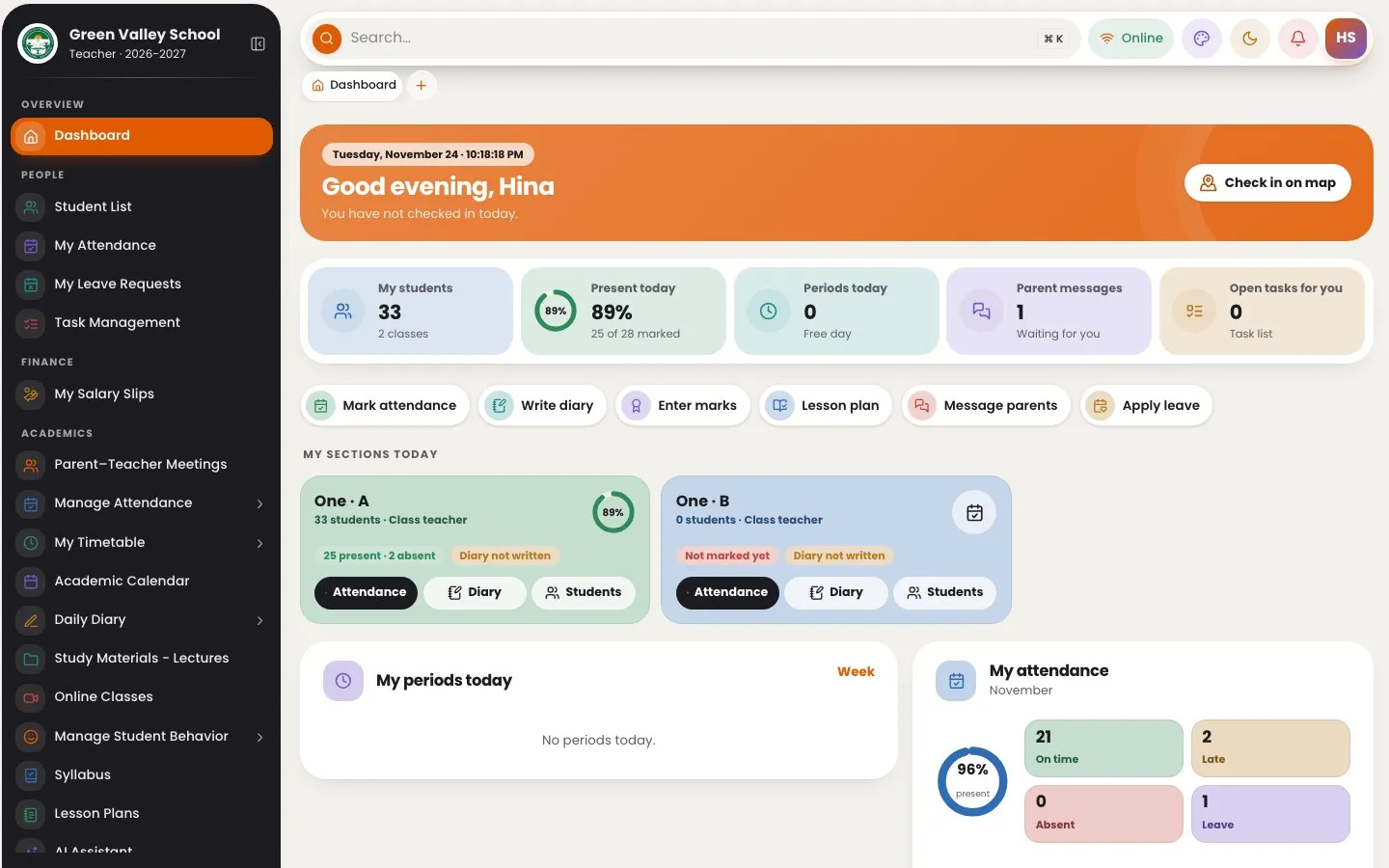

What it does
- PTM days with time slots; parents book each teacher from the app
- One screen: the section's students on the left, the meeting form on the right
- Quick recording for routine meetings, detailed recording for real concerns
- Attendance, recent results and earlier PTMs shown while recording
- Agreed actions with who does them, by when, status and outcome — added to Task Management
- Parent concerns raised to Parent Complaints so they are answered
- Confidential records visible only to admins and the writer; every change kept
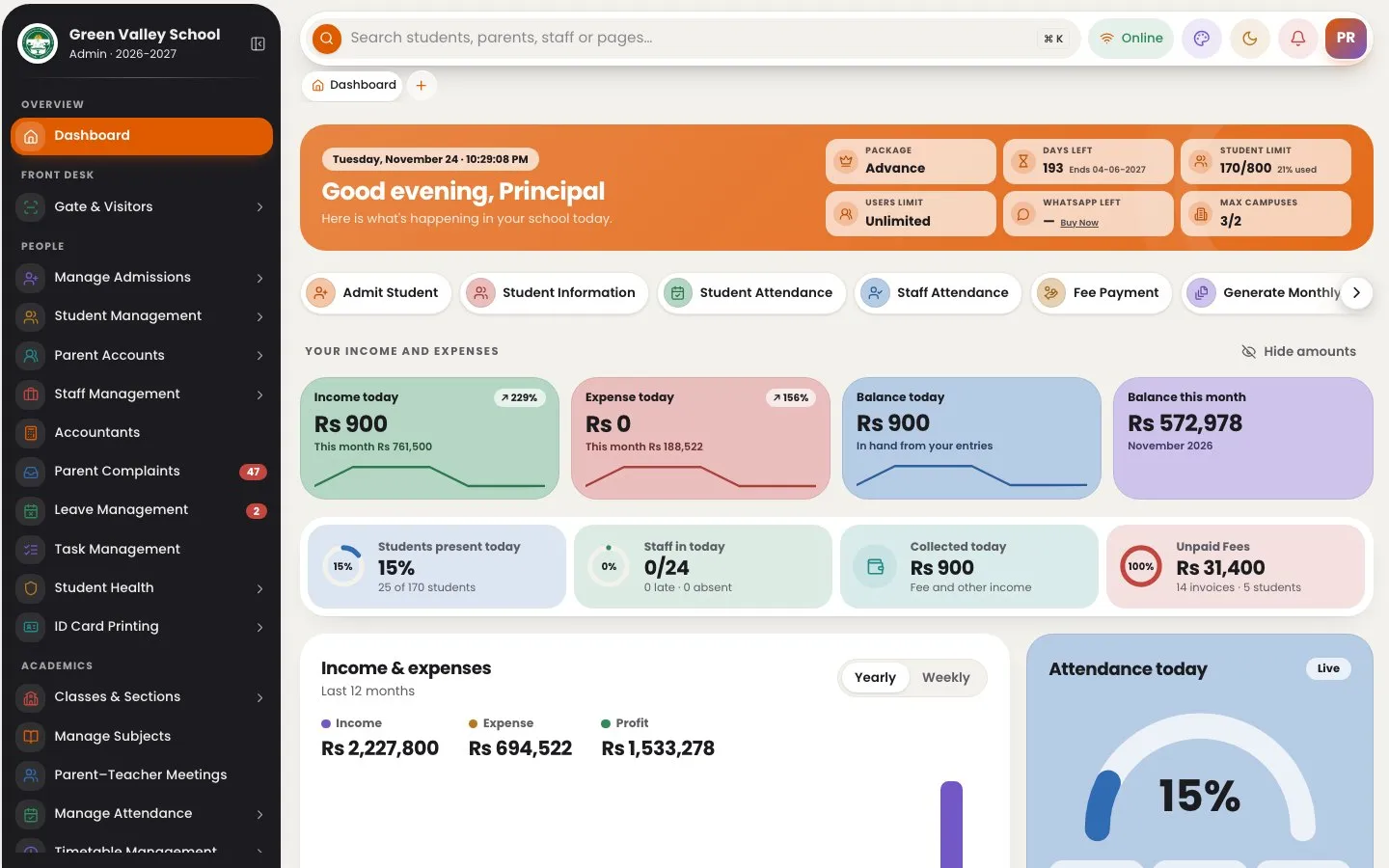
- Dashboard: coverage, absent parents, overdue actions and results after the PTM
Step by step
How it works
- Plan the dayClasses, times and minutes per meeting; parents are told.
- Record each meetingSave & next student — no windows to open and close.
- Follow upActions land in Task Management and the dashboard shows what is overdue.
More screens



Questions about parent–teacher meetings
Who can see what was discussed?
The section's teachers and the admins. A record marked confidential is seen only by admins and the person who wrote it.
Can the principal review PTM records?
Yes. Admins mark each record as checked; a record changed after that needs checking again.
Works together with
Teacher Portal
Teachers mark attendance, enter marks, write the diary, check homework and plan lessons — only for their own sections and subjects.
Class Tests
Keep every daily, weekly and monthly class test, print test results, and combine a month's tests into one result card with positions.
Parent & Student App
One login per family: attendance, diary, results, challans and online payment, the school van on a map and a chat with the class teacher.
Your school on Educationist — first month free
Create your account in two minutes. No card, no payment — every feature of your package from day one.