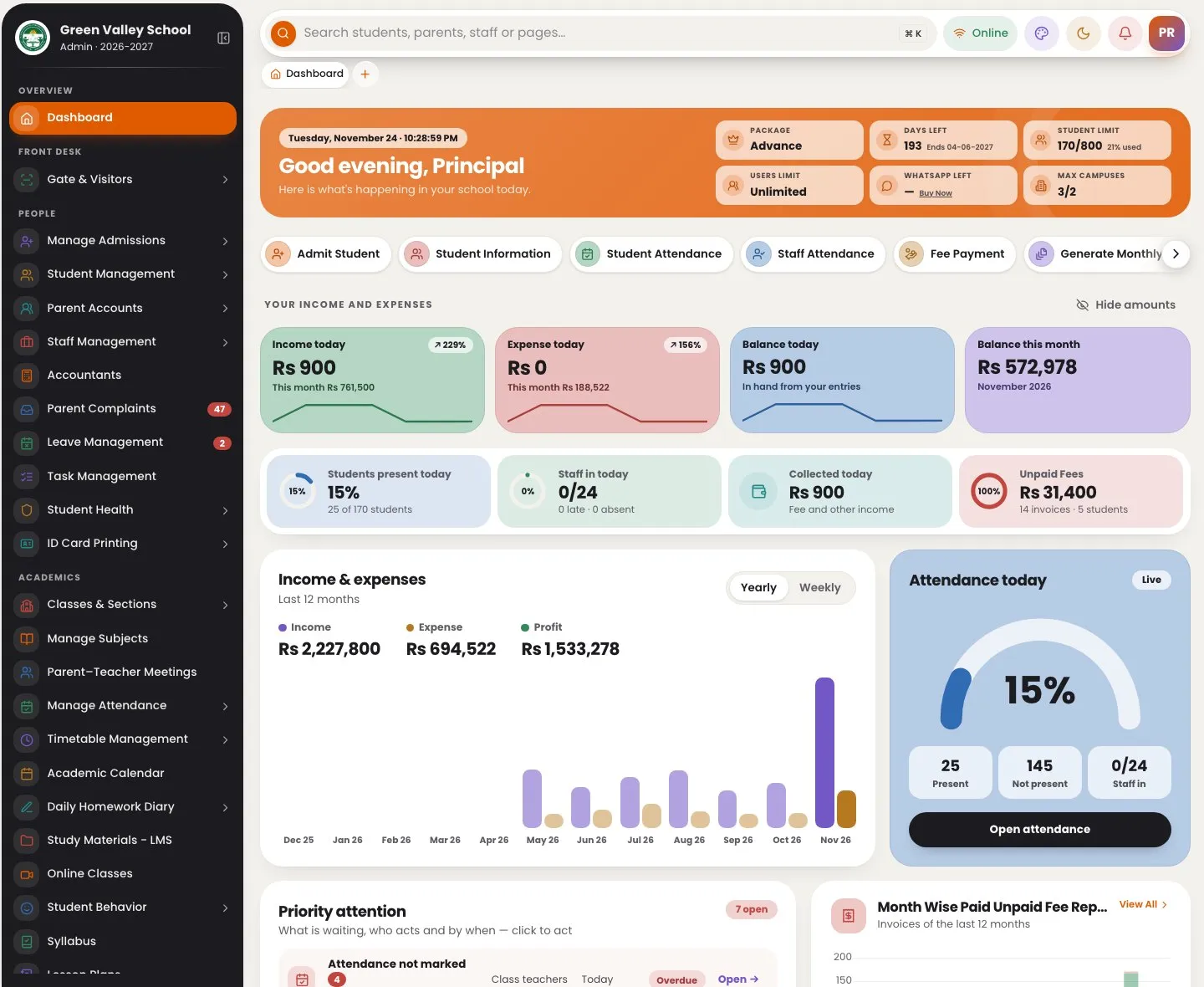

Many Pakistani schools still run an old desktop program on the office computer. It works without internet — a real advantage where connections drop and load-shedding is daily. But it also means one computer holds every record, parents see nothing, and a failed hard disk can wipe out years of fees and results.
What cloud software gives you
- Parents and teachers on their phones — attendance, diary, results and challans
- WhatsApp and SMS alerts sent automatically
- Online fee payment matched to challans
- The principal checks the school from home
- Automatic backups in a data centre, not on one hard disk
- Several branches working on the same data
What desktop software gives you
- Works with no internet at all
- Fast on the office network
- No dependency on a connection at the fee counter
The real risk of desktop-only
Ask how your current records would survive a stolen laptop, a virus or a burnt power supply. If the answer is "a USB copy from three months ago", that is the real cost of desktop-only software.
Getting both: offline with sync
Educationist runs in the browser and in the app, and also has a desktop app for the office that keeps working when the internet drops and syncs to the cloud when it comes back. The fee counter keeps collecting during an outage; parents get their receipts once the connection returns.
Questions to ask any vendor
- Where is my data stored, and how often is it backed up?
- Does each school get its own private database?
- Can the office keep working when the internet is down?
- Can I export my data if I leave?
Educationist is the Pakistan edition of OurSchoolSoftware.com, with a private database for every school, encrypted connections and automatic backups. Start free and see how it behaves on your own connection.
Questions
What happens to fee collection if the internet goes down?
With the desktop app the office keeps working offline and syncs when the connection returns.
Is our data backed up?
Yes. Every school has its own database with automatic backups and a recycle bin for deleted records.
Educationist modules in this guide
Security & Backups
A private database for each school, 256-bit SSL, automatic backups, recycle bin, audit and login logs, and two-step sign-in for admins.
Parent & Student App
One login per family: attendance, diary, results, challans and online payment, the school van on a map and a chat with the class teacher.
Multi-Campus
Run every branch from one account: each campus with its own students, fees and staff, one-click campus switching and branch comparison reports.